

Adding Power of Attorney and Signatory Rights

May 15, 2026
2370

You can set up a Power of Attorney directly on the platform in just a few steps.
This guide shows you how to create and send a POA request.
How to set up a POA
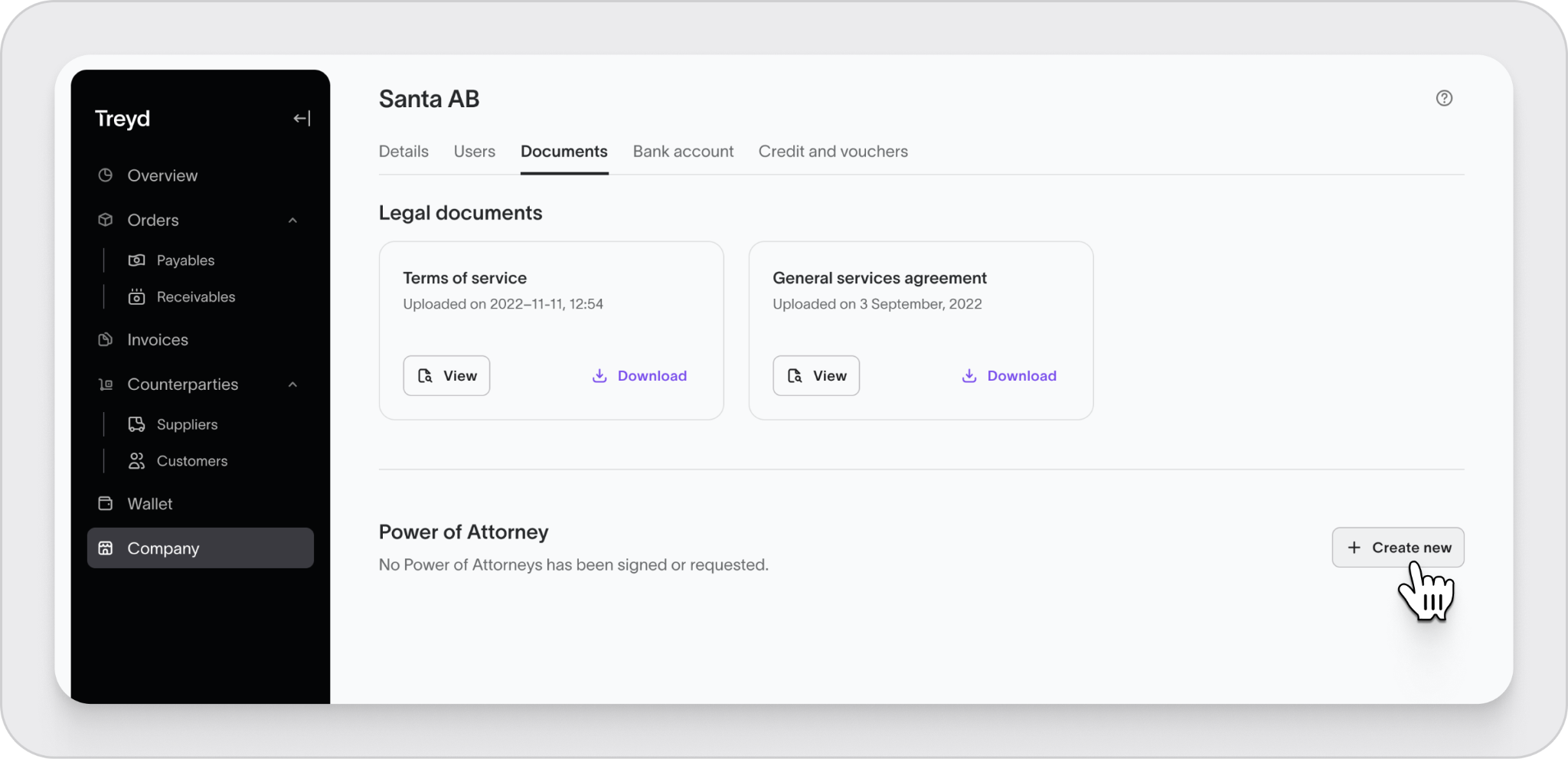
- Go to Company in the left-hand menu
- Click Documents
- Under Power of Attorney, click Create new
Choose who signs and who receives access
- Select the person or people who will sign the request
- Select the person who will be granted POA
The people granting and receiving POA must already be verified users on the platform. You will need multiple signatories if the UBOs do not have sign alone rights. 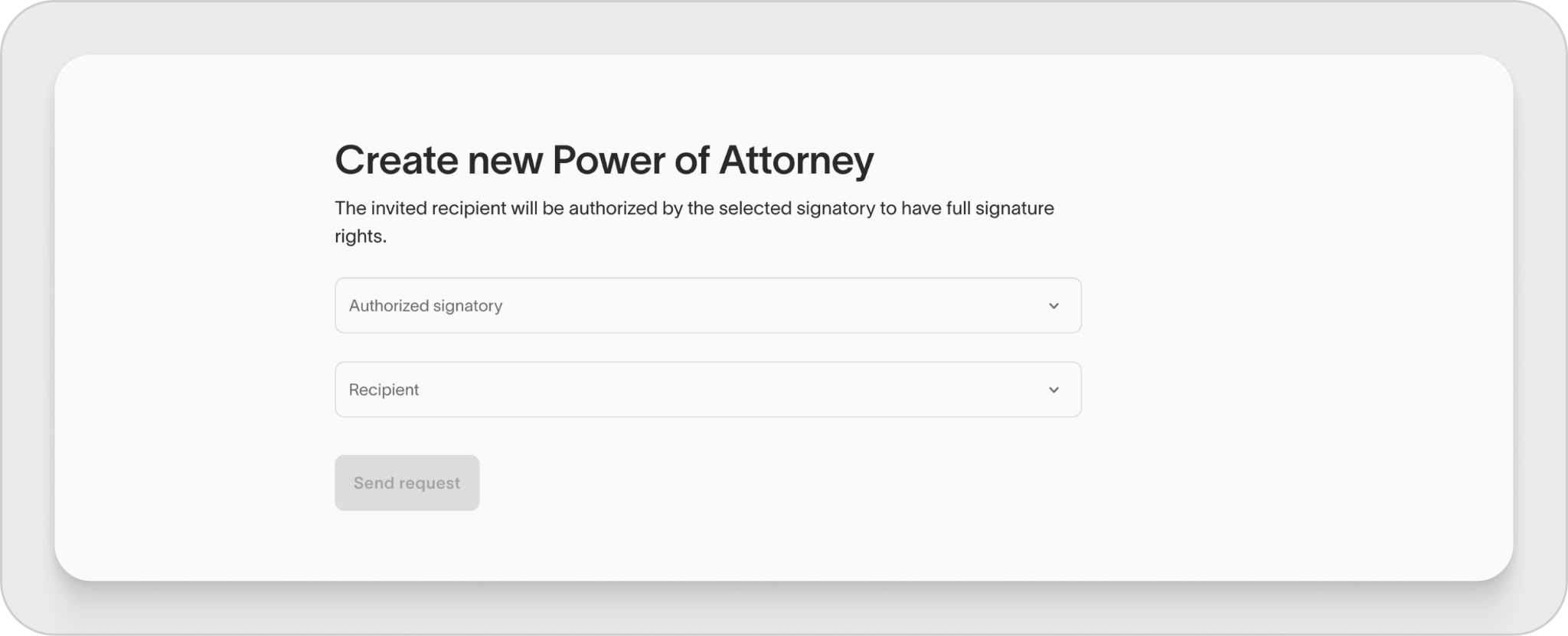
Send and complete the request
- Send the request via email
- The signer reviews and signs it
- Once signed, the POA is active
You’re all set
Once completed, the selected user will have Power of Attorney in the platform.

