


Understand how receivables repayments work
When a receivables order is paid out by Treyd, the funds are sent directly to your Treyd Wallet.
Your customer must then repay the invoice into the same Treyd Wallet account shown on the invoice.
This is an important part of how receivables financing works and helps ensure repayments are matched and settled correctly.
How repayments work
Once your receivables order is approved:
- Treyd pays the advance into your Treyd Wallet
- On the due date, your customer pays the invoice amount into your Treyd Wallet
- The receivables invoice is settled automatically once payment is received
Any remaining available funds stay in your wallet and can be:
- Withdrawn to your bank account
- Used to settle Treyd invoices
- Converted between supported currencies
Streamline your settlements with multi-currency conversion
If you hold balances in different wallet currencies, you can now settle your Treyd invoices while converting funds in a single, unified request.
This simplified process removes the need to: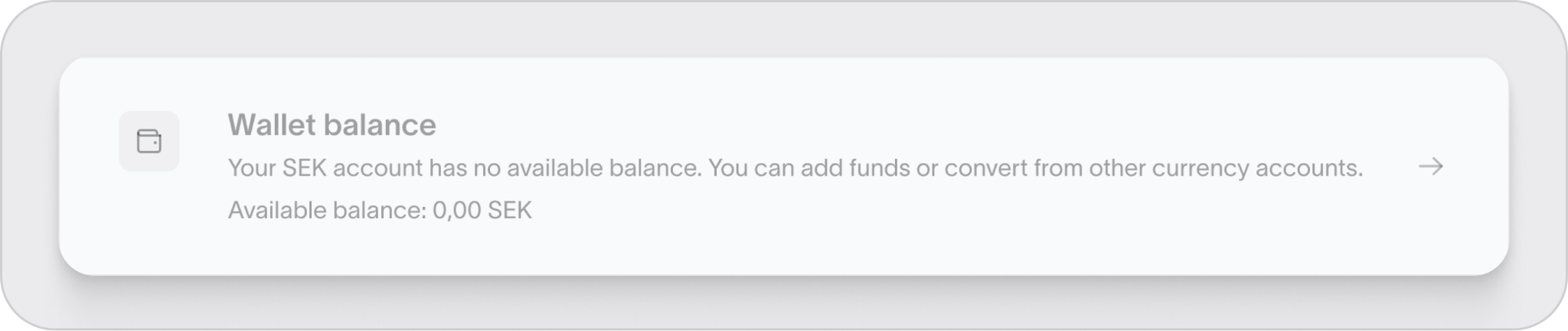
- Manually exchange funds between wallets
- Wait for currency conversions to finalize
- Initiate a separate request for settlement
Both steps are now handled simultaneously for greater efficiency.
Process overview
- Choose the specific Treyd invoice you wish to pay
- Pick the currency wallet you want to use for the transaction
- Check the current indicative exchange rate
- Submit your settlement request
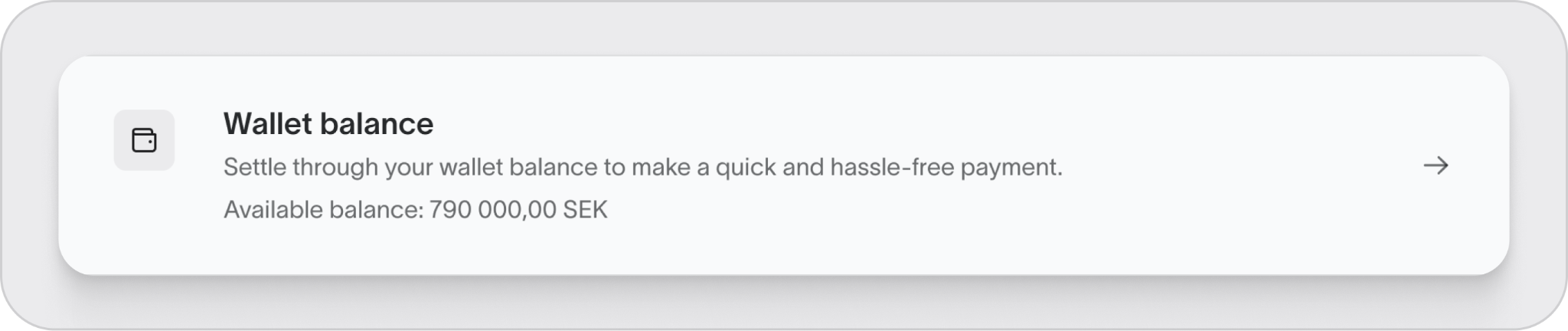
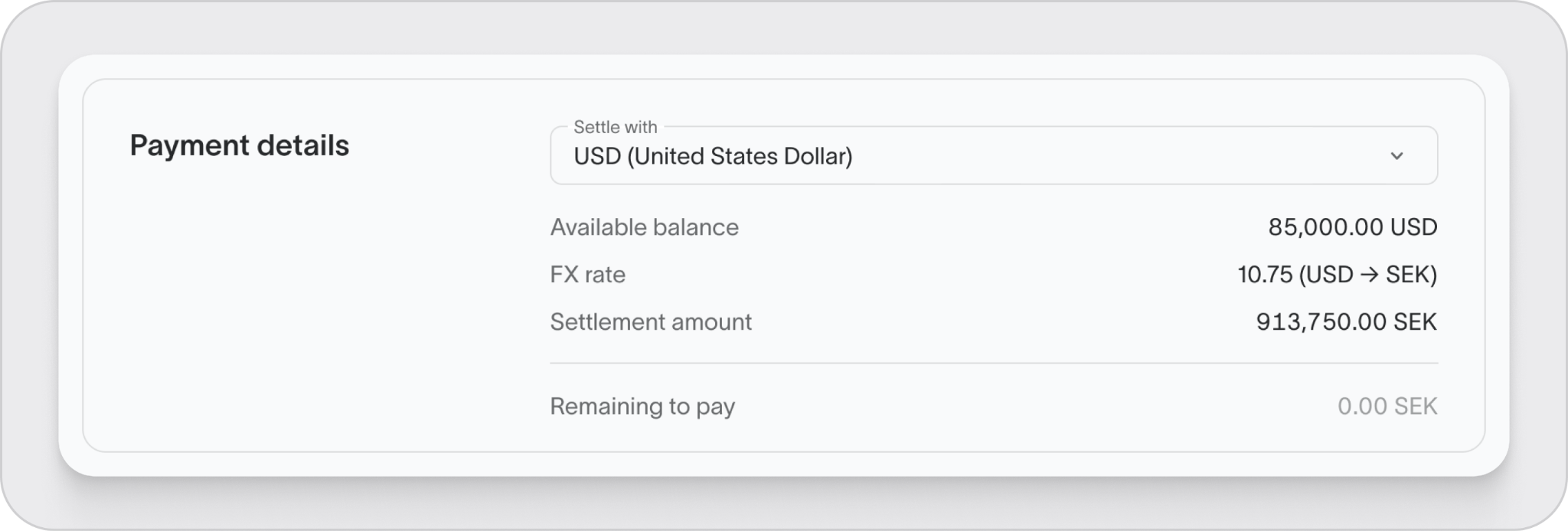
Treyd manages the conversion and applies the funds to your invoice automatically.
Good to know
The exchange rate displayed at submission is indicative. The final rate may vary slightly based on market conditions at the time of processing.
Make sure your invoice payment details are correct
Your customer invoice must include:
- Your Treyd Wallet account details
- The correct account number/IBAN
- The correct currency
- Any required payment reference information
Reminder
If the payment details on the invoice don’t match your Treyd Wallet, the order will not be approved.
Why matching payment details matter
Payments are automatically matched to your receivables order using the wallet account details shown on the invoice.
If your customer pays:
- To the wrong account
- To an old bank account
- In the wrong currency
- Without the correct payment reference
…it can delay repayment processing and will prevent the invoice from being settled automatically.
Updating your customer with new payment details
If you’ve recently switched to using your Treyd Wallet for repayments:
- Make sure your customer updates their payment records
- Resend the updated invoice if needed
- Confirm they are paying into the correct wallet account
Tip
It’s best to notify your customer before the invoice due date to avoid failed or delayed repayments.
What happens if a payment is sent to the wrong account?
If your customer sends payment somewhere other than your Treyd Wallet:
- The repayment may not be recognized automatically
- Your receivables invoice may remain unpaid
- Additional review or documentation may be required
You may need to provide:
- Proof of payment
- Bank confirmation
- Updated invoice details
- Communication confirming the correct payment instructions
Currency reminders
Customer repayments should be made:
- In the same currency as the invoice
- Into the matching wallet account for that currency
Good to know
Using the wrong currency can delay reconciliation and settlement.
Monitor repayments in the platform
You can track:
- Invoice repayment status
- Wallet balances
- Received payments
- Settlement progress
directly from the Treyd platform.
You’re all set. Keeping your invoice payment details updated and aligned with your Treyd Wallet helps repayments process smoothly and avoids delays.

