

After Submitting an Order

May 15, 2026
8080

Once you’ve submitted your order, we review it and prepare the payment to your supplier.
To make this process clearer, each order moves through different statuses. These show exactly where your order is at any given time.
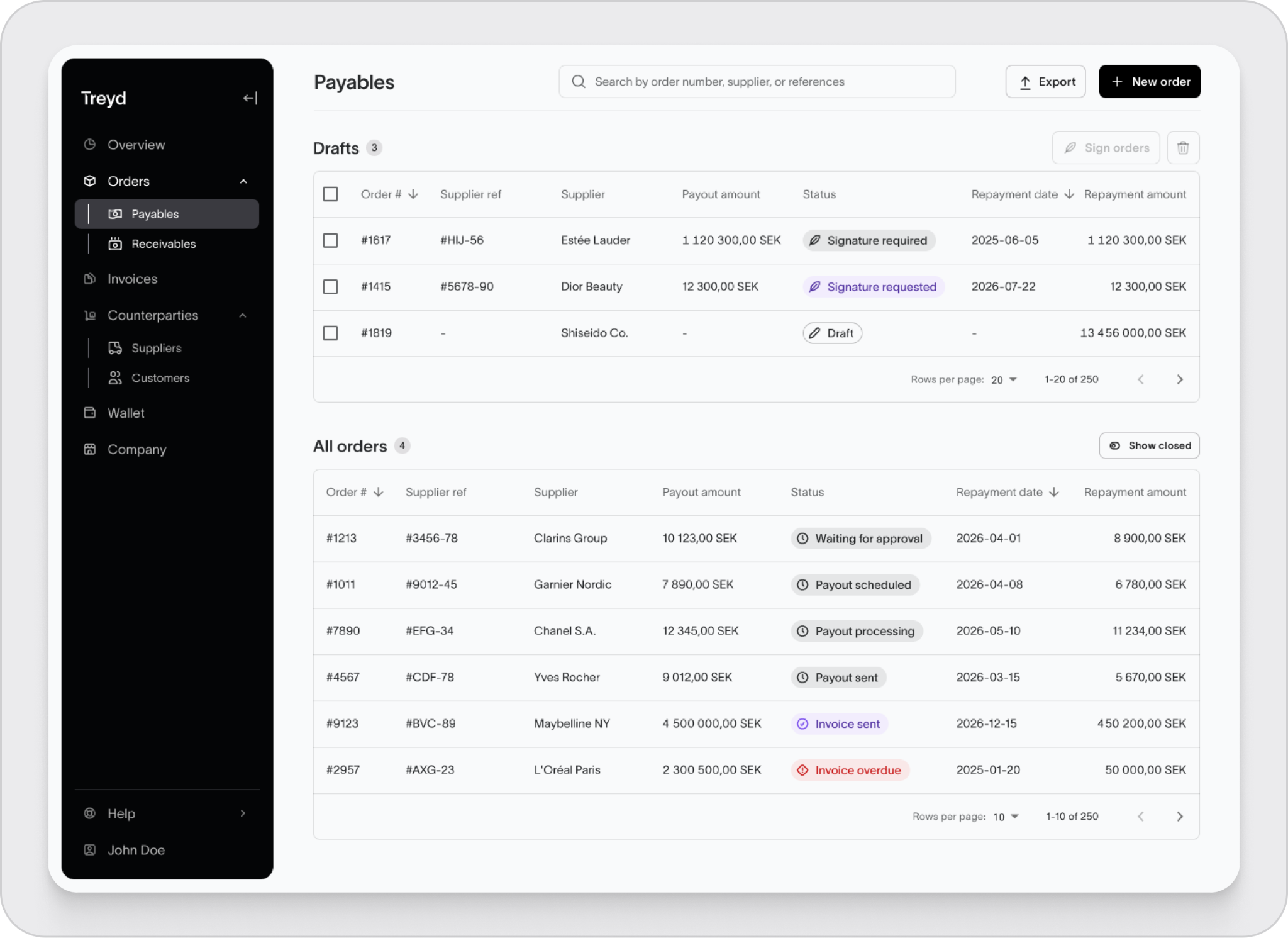
Order statuses explained
Here’s what each status means:
- Waiting for approval
Your order is under review - Payout scheduled
The payment to your supplier has been scheduled - Payout processing
The payment is being processed - Payout sent
The payment has left our bank - Invoice sent
Your repayment invoice has been issued - Overdue
Your repayment invoice is past its due date - Paid
Your repayment has been received - Sent back / Returned
The order has been sent back to draft for updates - Rejected
The order was not approved - Canceled
The order has been canceled
What to keep in mind
- You can track your order status at any time from the Orders page
- Status updates happen automatically as your order moves forward
- If action is needed from you, the platform will guide you
Summary
After submitting an order, you can follow its progress through clear status updates—from review to payout and repayment.

